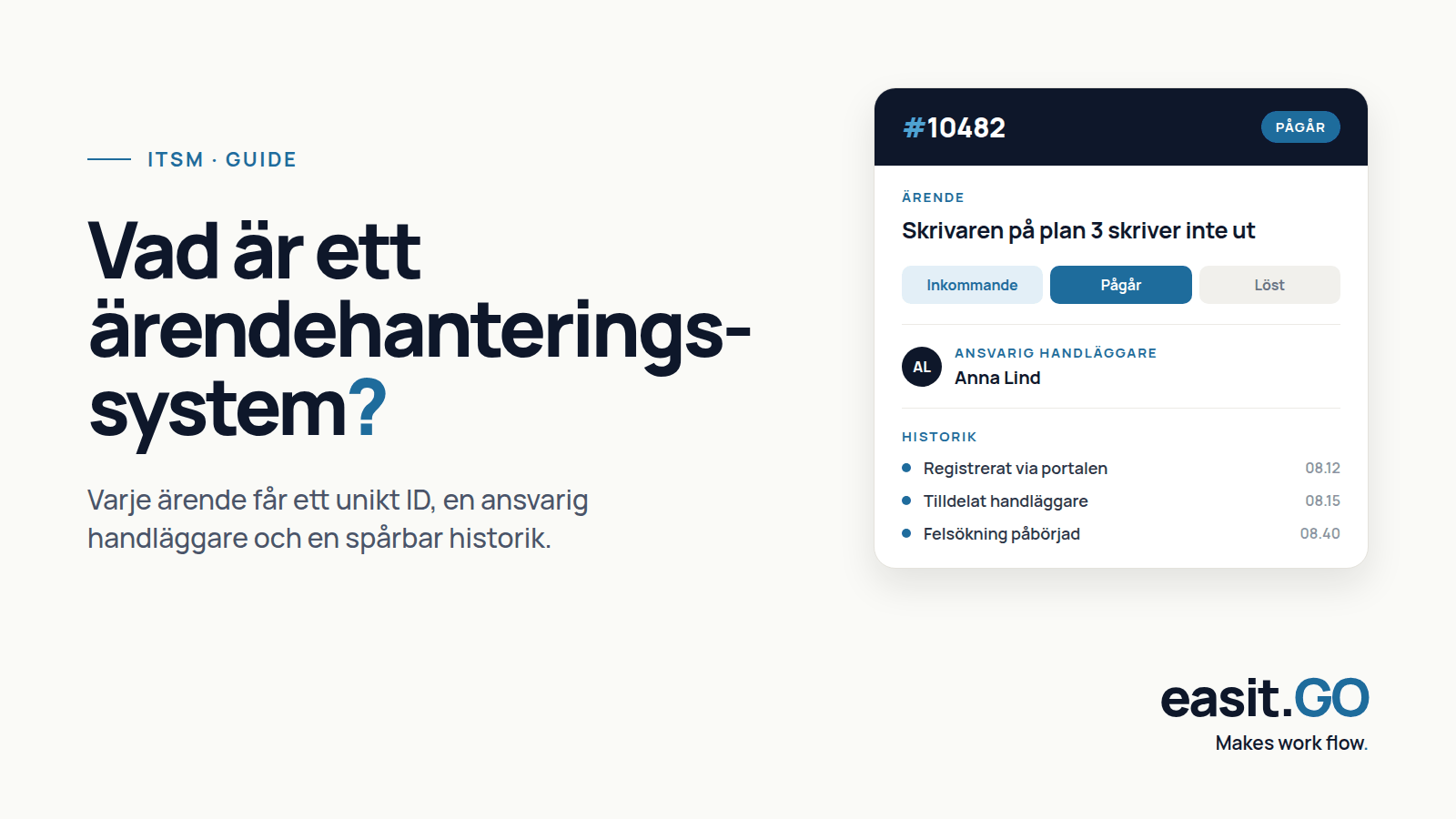
A case management system is a tool that collects, structures and follows up on requests, errors and tasks from incoming to resolved. Instead of cases being handled via email, phone or notes on a desk, the system gives each case a unique ID, a responsible caseworker and a traceable history.
The system is used today by IT departments, municipalities, customer services, HR functions and many other operations that handle a flow of requests from users, citizens or customers. The common thing is the need for order, transparency and follow-up.
This guide explains what a case management system is, how it works in practice, and what to look for when choosing a system for your organization.
What is a case management system used for?
The short answer is: to organize work that otherwise drowns in email inboxes and verbal agreements. But depending on the business, the concrete use case looks quite different.
IT support and the IT department
The most common use case is IT support. An employee reports that their computer won't start, the network is down, or they need access to a system. The case is logged, assigned to the right technician, and followed up until the problem is resolved.
A case management system for IT typically handles incidents, service issues, changes and assets in one flow. It makes it possible to see the load per technician, identify recurring problems and measure how quickly IT resolves cases, service level management in practice. Read more about Easit GO as an ITSM system for the IT department.
Municipalities and public administration
For municipalities and regions, case management is a core function. Citizens, employees and internal operations give rise to a continuous flow of cases: a broken lamppost, an application for a mobility service, a request for an extract from the diary or an IT problem in the social administration.
The challenge for municipalities is that cases can come from many different channels and must be handled by the right administration with the right permissions. The principle of openness also requires that cases can be searched and reported. A case management system for municipalities needs to be able to handle this.
HR, finance and other support functions
Case management is not limited to IT. HR departments handle cases regarding employment, payroll, rehabilitation and personnel administration. Finance functions receive questions about invoices, suppliers and certificates. In an organization that uses its service management platform widely, all these flows can be collected in one and the same system, with the right permissions for each department.
How does a case management system work in practice?
The basic flow is simple. A person submits a request via email, a web form, phone, or a self-service portal. The system creates a case with a unique number and sends a confirmation.
The case is assigned, automatically or manually, to a handler or team. Throughout the process, handlers can add comments, request more information, escalate to another unit, or close the case when it is resolved. The submitter receives notifications and can follow the status in real time.
Administrators see a comprehensive picture: how many cases are open, how long they take to resolve, and whether there are recurring problems that can be addressed structurally. It is this picture that makes the case management system a management tool, not just an operational tool.
Important features of a case management system
All case management systems offer a basic workflow. What sets them apart is the depth of functionality and how they can be configured to your organization's specific needs.
Case registration via multiple channels
Cases should be able to come in via email, web, phone and self-service. Modern systems aggregate all channels into one view for the case manager, regardless of how the case came in.
Categorization and routing
The system should be able to sort cases into the correct queue or team based on type, keyword, or department. The more automated it is, the less manual handling is required from case managers.
SLA and response times
Service Level Agreements, SLAs, define how quickly a case should be handled depending on priority. A good case management system warns when a case is at risk of violating its response time limit and gives management a clear picture of how well the SLA levels are being maintained. This is the basis of service level management, which we describe in more detail in a separate guide.
Self-service portal
A self-service portal allows users to register their own cases, track status, and search a knowledge base to resolve common issues on their own. This reduces pressure on case managers and shortens processing times.
Knowledge database
An integrated knowledge base collects solutions to common problems. Agents can reuse and link to articles directly in cases. With AI support, the system can automatically suggest relevant articles.
Reporting and follow-up
Key metrics such as average handling time, number of cases per category, first contact resolution rate, and SLA fulfillment are standard metrics. Reports should be exportable and scheduled for automatic delivery to management.
Integration with other systems
Most organizations have more systems than just case management. Integration with Active Directory or Entra ID for automated user management, with CMDB for asset information, and with communication tools like Teams or email are common and valuable.
Simple case management system or full-scale service management platform?
There is an important choice to make when evaluating systems: how simple and limited, or how broad and integrated, does your system need to be?
Simple case management systems
Simple case management systems are suitable for organizations with a defined and clear need. Typical characteristics are a fixed number of case types, little or no integration with other systems, simple reporting, and quick start-up.
The advantage is that it is easy to get started and the maintenance is low. The disadvantage arises when the business grows: the system must be replaced rather than expanded, and data is lost in the migration.
Full-scale service management platforms
A full-scale service management platform is designed to grow with your organization. It manages multiple departmental case flows in a single system, supports ITIL-based processes, and can be configured without writing code.
For IT departments that work structured with incidents, problems, changes and configurations in accordance with ITIL, a service management platform is the right choice. The same applies to municipalities that want to consolidate IT and operational support in a system with the right authorization control.
The initial start-up requires more planning, but the investment pays off in the form of fewer system changes, better data quality and the ability to expand use to more departments over time.
Want to dig deeper into the difference? Read our review of case management systems and service management platforms.
Case management system for municipalities and the public sector
Municipalities and regions have specific requirements that are not always highlighted in general product descriptions.
- The principle of public access: cases and communications can be requested and must be searchable and exported in a controlled manner.
- WCAG: The accessibility requirements according to WCAG 2.1 AA apply to public digital services. The self-service portal and all interfaces towards citizens and employees must meet the requirements.
- Data protection and data residency: personal data in the case system must be processed in accordance with GDPR. For sensitive data, it is an advantage if the data is stored within Sweden and does not pass through third countries.
- Procurement: the system should be able to be procured within a framework agreement or via LOU with documented support for request for quotations.
- Integration with management control: municipalities working with PM3 or equivalent management models need a system that can be linked to management objects and management plans.
A local presence, support in Swedish and a data center in Sweden are concrete advantages that are not always mentioned in feature comparisons but that play a role in a procurement dialogue.
Seven criteria when choosing a case management system
Whether you choose a simple system or a full-scale platform, there are seven questions that are always worth asking.
1. Can the system be configured by you without the need to write code?
The business is changing, and the workflows are changing with it. If every change requires a consultant, you lose control and the cost increases. Configurability via an interface is a key feature.
2. What does the integration landscape look like?
List the systems you need to connect: directories, email, CMDB, HR systems, financial systems. Make sure the vendor has documented integrations or an open API.
3. Does the system meet your WCAG and accessibility requirements?
For public organizations, this is a requirement, not a wish. Ask for an accessibility statement and test the self-service portal with a screen reader.
4. Where is the data stored and who has access?
Ask the supplier to confirm in writing where the data is stored, whether it passes through third countries and which subcontractors have access. This is necessary for your GDPR documentation.
5. What does the support and implementation support look like?
Support in a European time zone in Swedish, with implementation partners who understand your industry, is a practical benefit that rarely appears in the feature list but is noticeable when something goes wrong.
6. How does authorization control work?
Can you control who sees which cases, at the department or individual level? For organizations with sensitive data, such as in HR or social services, granular access control is crucial.
7. What is the total cost, including implementation and training?
The license price is rarely the entire cost. Implementation, migration of existing data, training and ongoing support are additional. Ask for a total cost of ownership for three years.

Henrik Traveler
Commercial Product Manager
henrik.resare@easit.com
+46 70 249 36 06